Skip to content
pcpby AlgovectraAdministration ↗
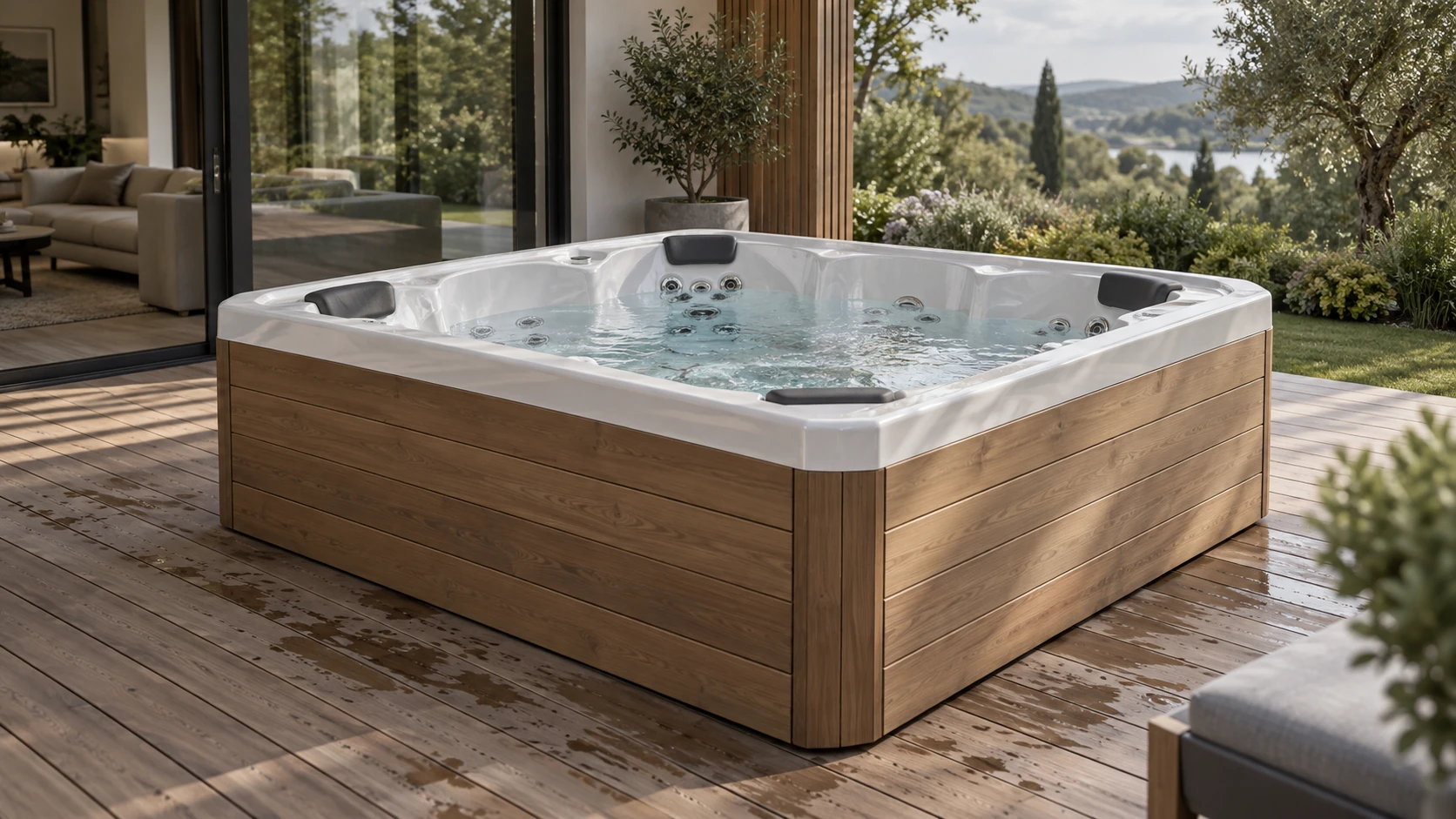
Generated visual target: a pearl-white hot tub with a timber cabinet on a garden terrace

PRODUCT CONFIGURATION PLATFORM

Products in
their element.

Configure the product.
See it in your space.

Explore USSPA
Discover the studios Hot tubs / Generated visual target

A CLOSER LOOK

From a finish
to a feeling.

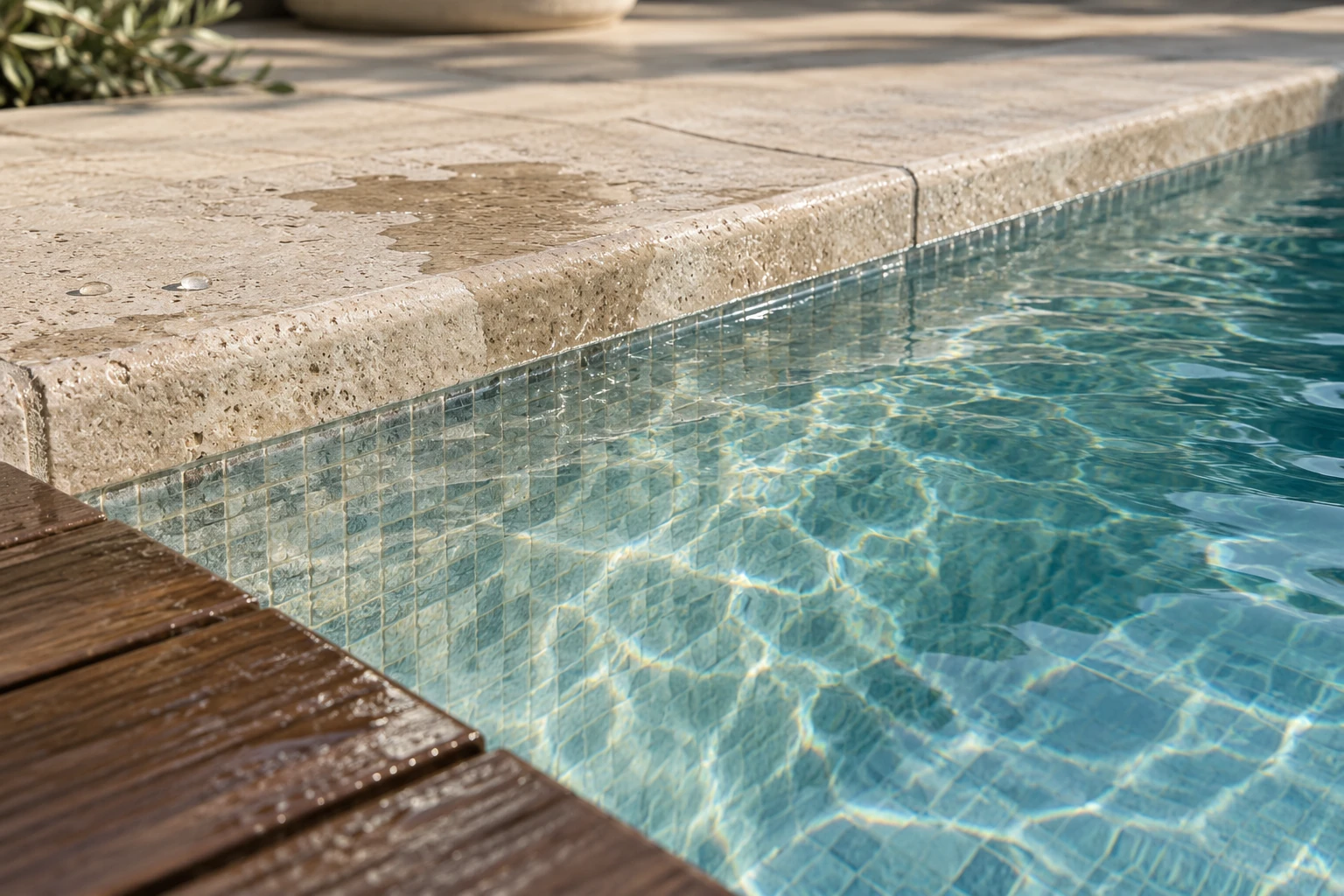
Light on timber. Water over stone.
The details that make a product feel at home.

THE PRODUCT STUDIOS

Find your starting point.

Browse by product type
6 places to beginExplore a product. Make it your own.
Hot-tub terrace visual target with a pearl shell, timber cabinet and garden settingGenerated visual target

USSPA

Reference studio

Find your model, pair shell and cabinet finishes, then see the footprint in your space.

Inside the studio
  • Virgo, Draco and Lyra reference models
  • Shell and cabinet finishes
  • Studio, terrace and saved plans

Reference geometry. Manufacturer approval and physical-device AR are separate.
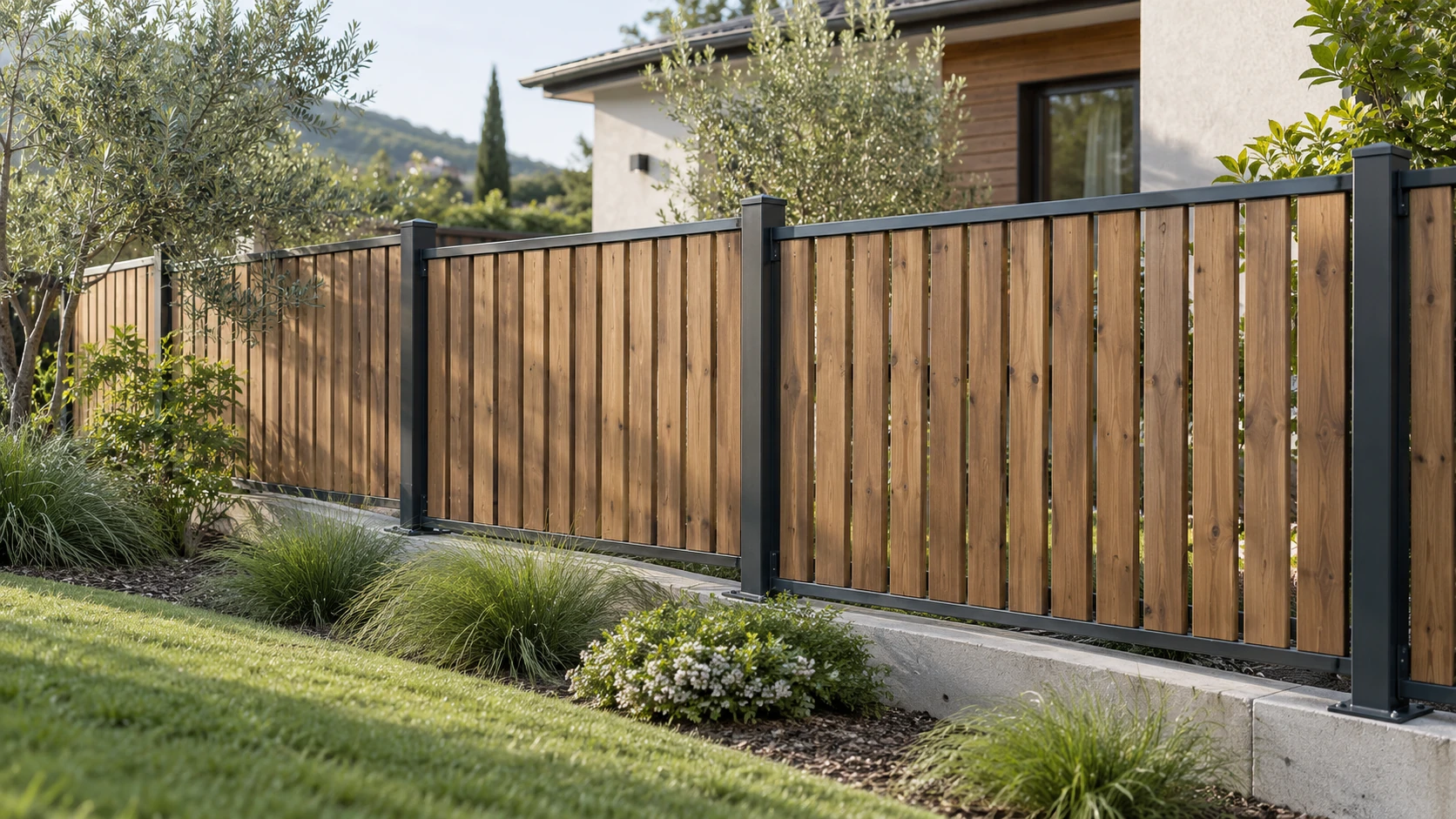
Architectural fence visual target set within a planted residential boundaryGenerated visual target

Fence Atelier

Outdoor architecture

Place a boundary in a captured landscape and move its anchors along the planted edge.

Inside the studio
  • Movable sidewalk anchors
  • PBR timber and metal finishes
  • Terrain grade, lighting and shadows

Scan by virtualworldtours / SuperSplat. Scale is approximate.

Generated visual targets show the design direction. Native renders show the current product scenes.

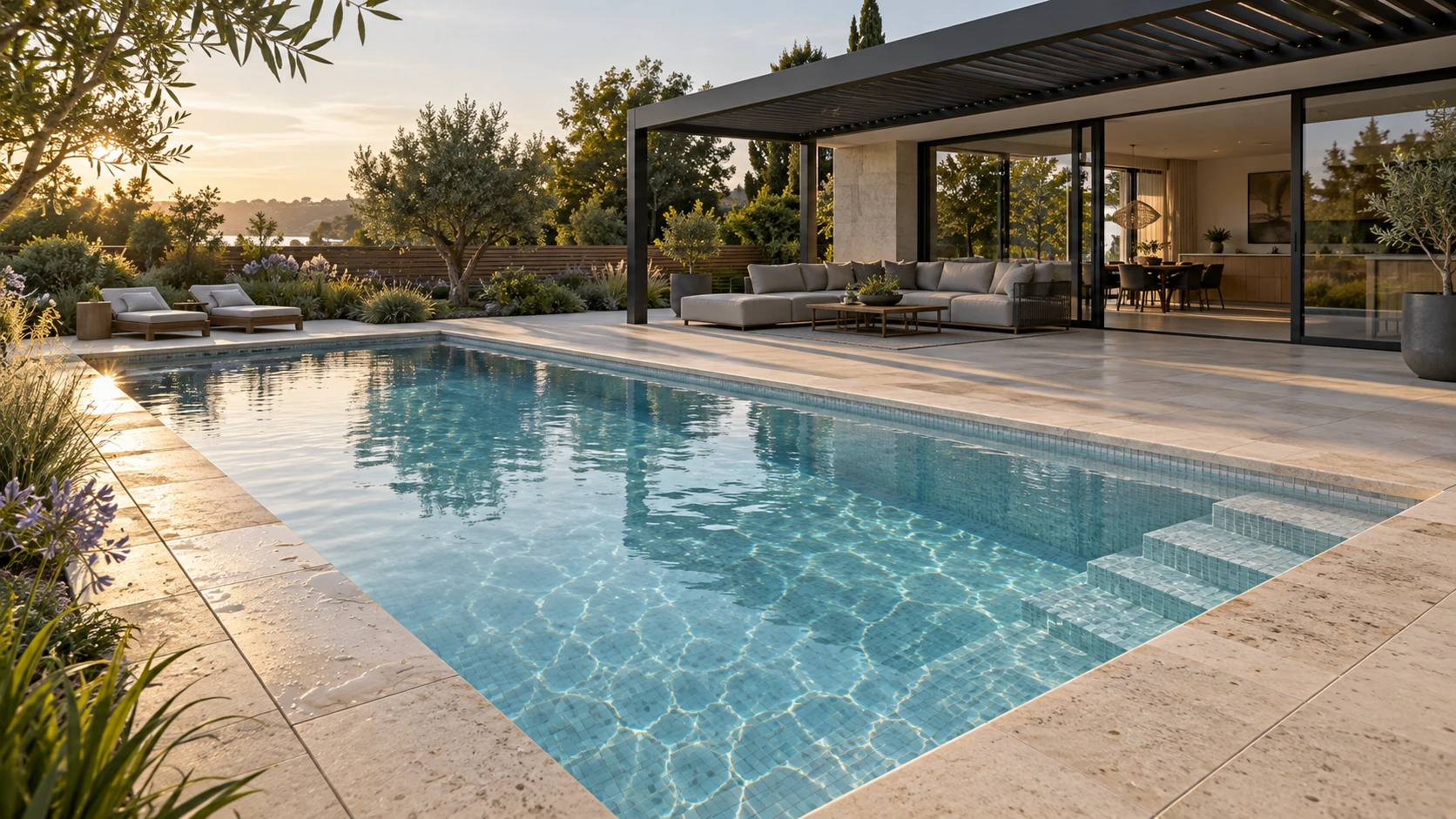
Generated visual target for a garden composition

GARDEN / A SHARED SETTING

Life beyond the walls.

Explore water, shade and outdoor living in a shared architectural setting.

Explore Garden
Generated visual target

ONE PLATFORM. A MORE COMPLETE PICTURE.

From a single product
to a place of your own.

Start with what you need. See how it fits. Get closer to the finish. The same product journey connects specialist studios, shared environments and the material library.

01

Shape the product

Explore dimensions, modules and finishes in a focused product studio.

02

Find its place

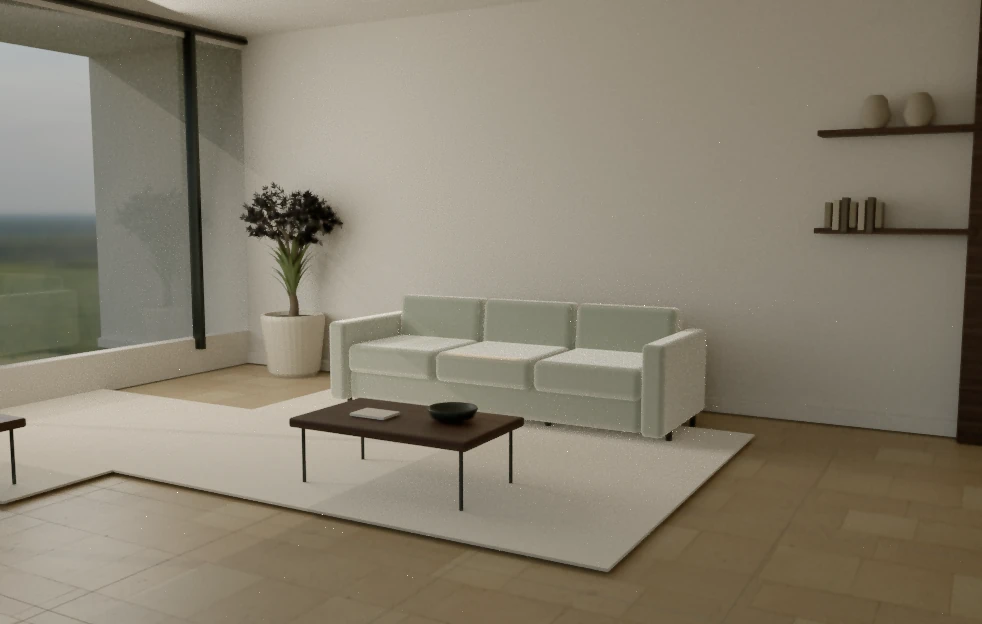
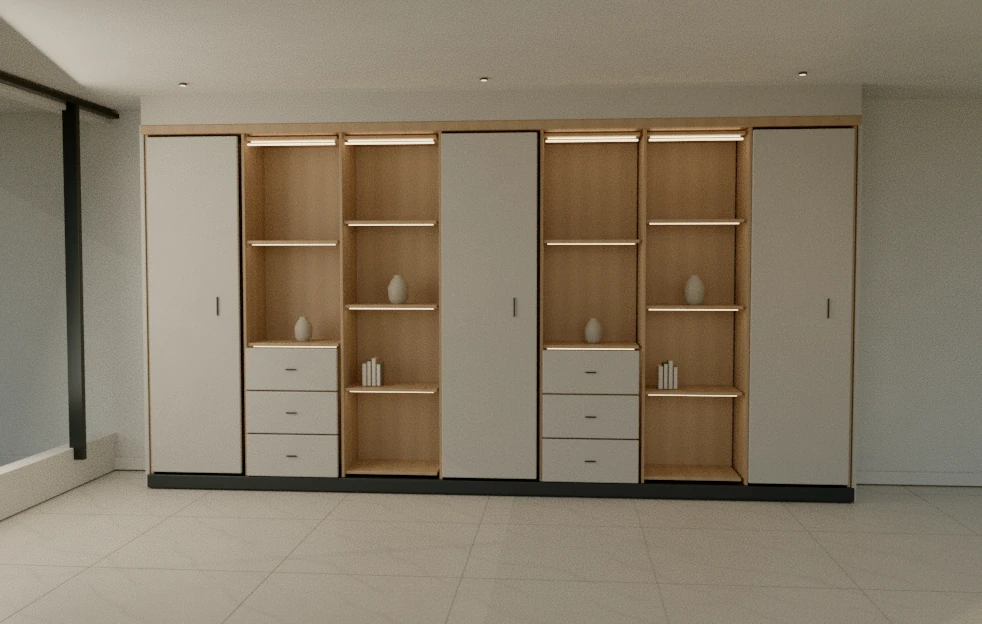
Consider the product with the architecture, furniture and light around it.

03

Read the surface

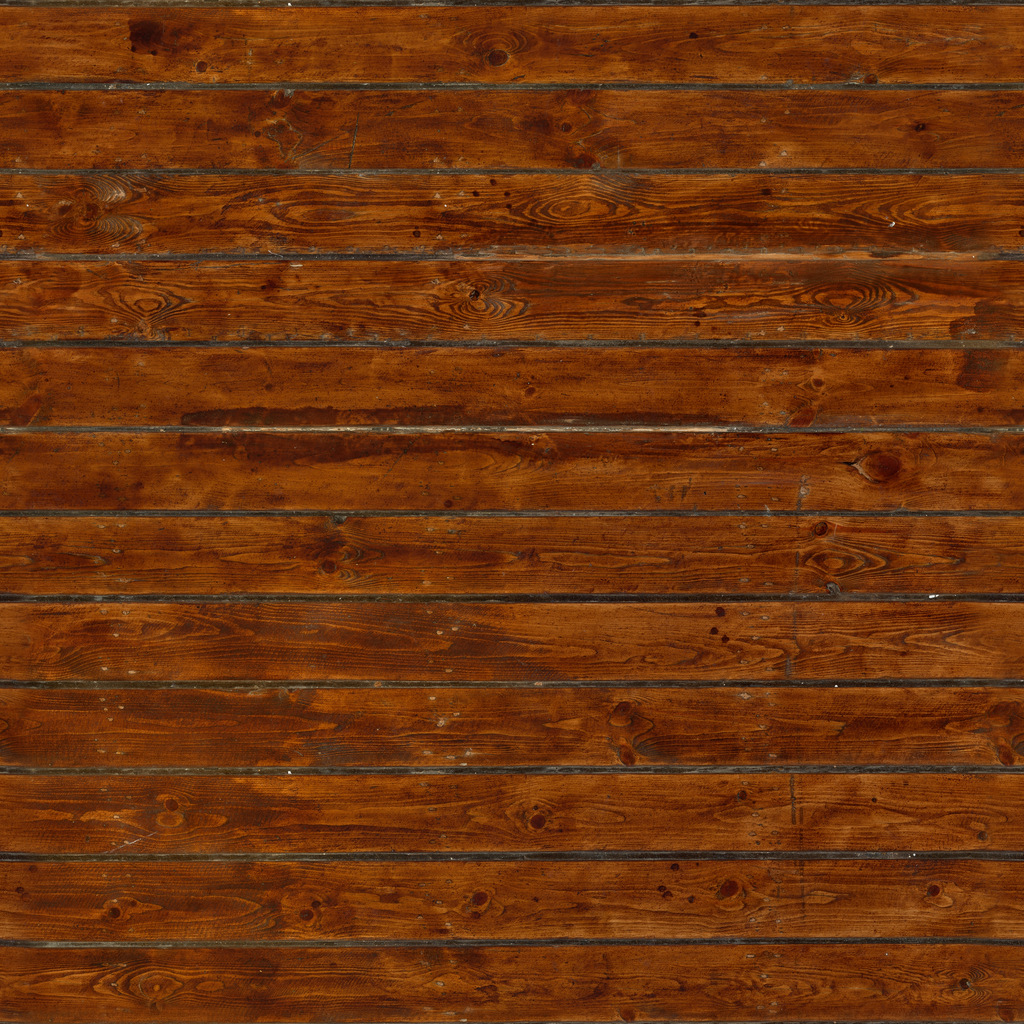
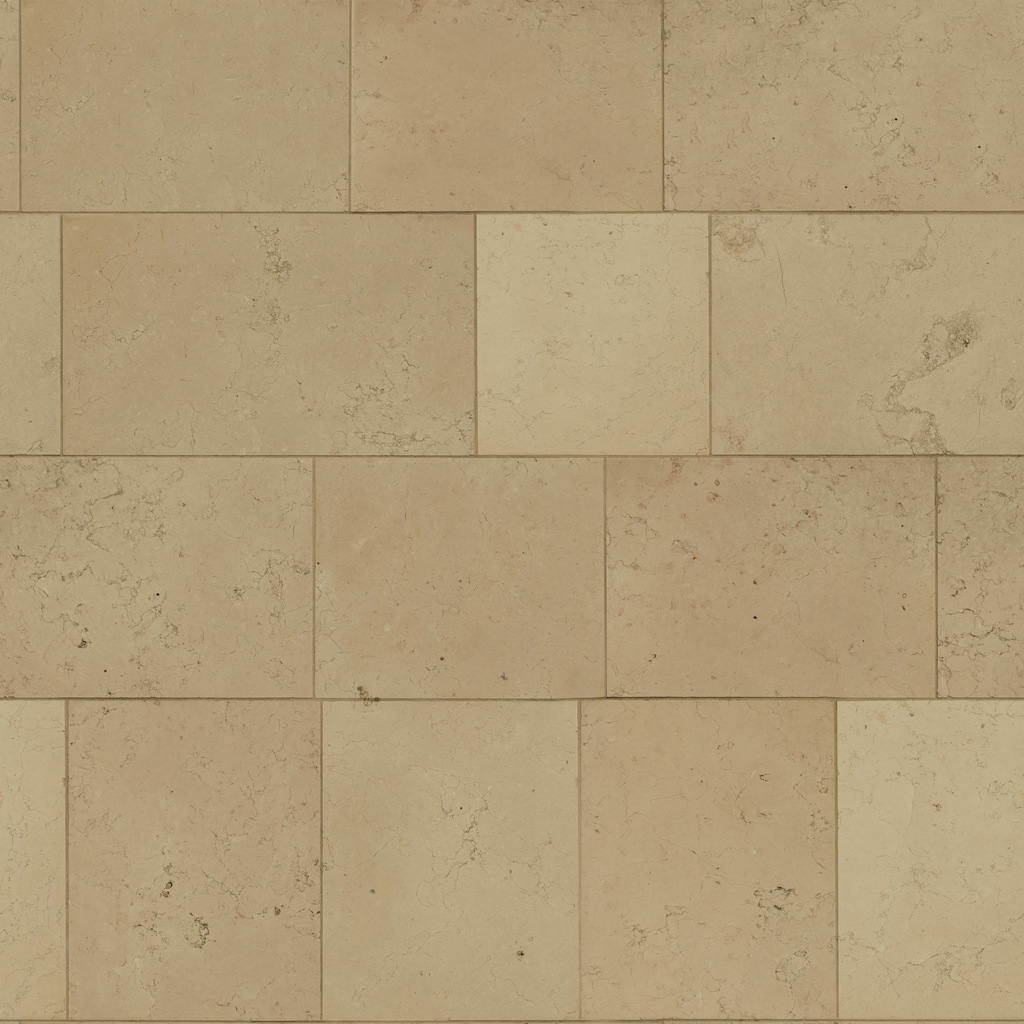
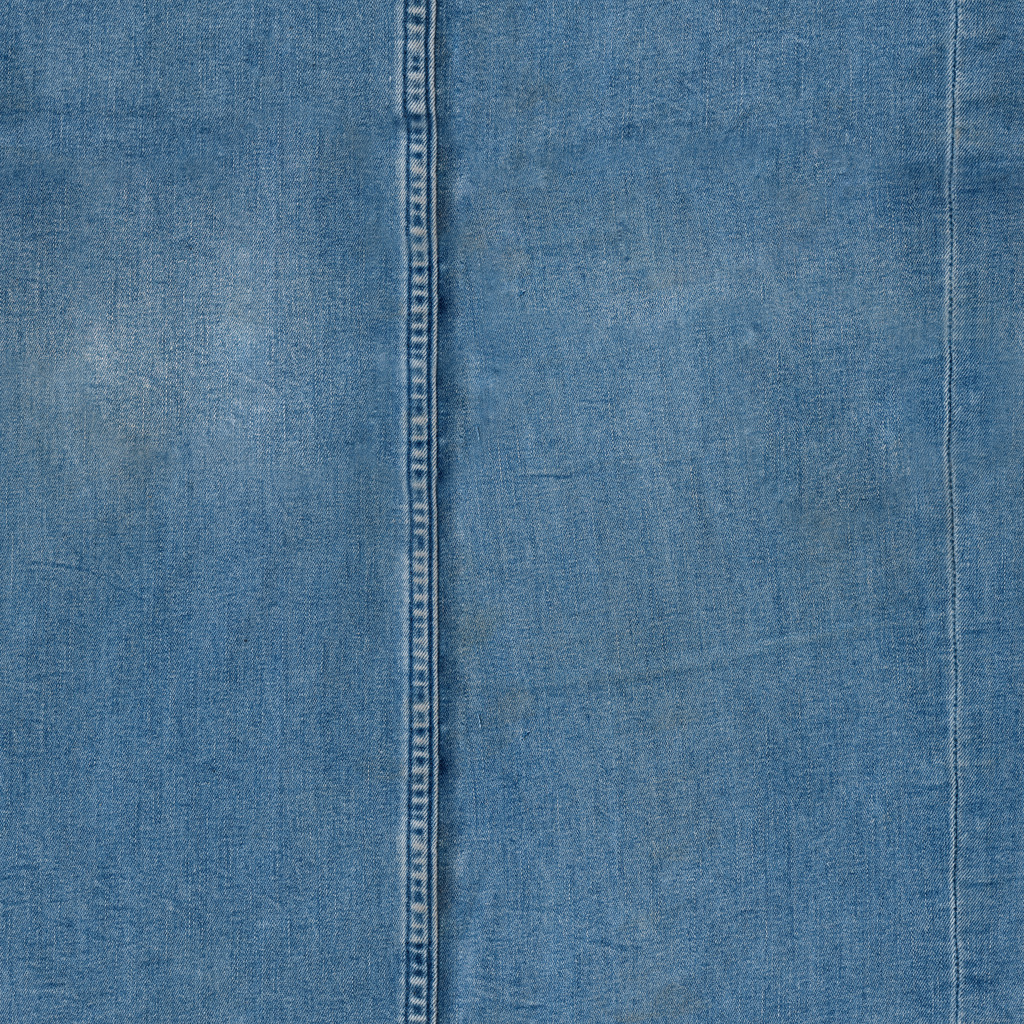
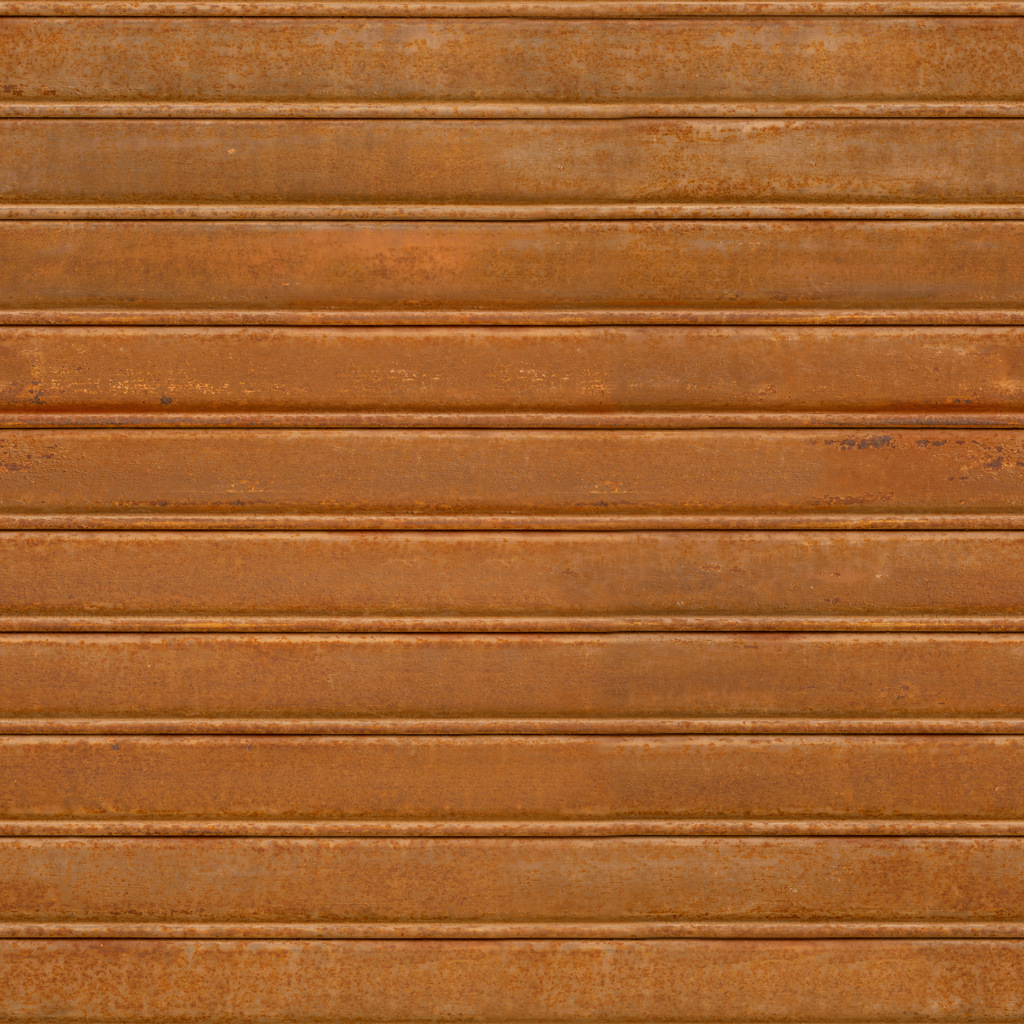
Move the light, study the relief and take a material sample into an AR-ready viewer.

THE MATERIAL LIBRARY

Get closer
to the detail.

Grain, weave and reflection. Explore real PBR texture data in an interactive surface study.

Enter the material studio Open the materials AR app

BEHIND THE PRODUCT EXPERIENCE

A place to manage it all.

Tenant catalogues, products, users and customer inquiries belong in the original platform administration.

Open administration

Studios and imagery are product studies. Manufacturer approval, measured fit and physical-device AR validation remain separate.